A scalable business template built for professional teams
Bizee is a clean, corporate Webflow template designed to launch fast, stay structured, and scale with your business — without sacrificing flexibility or design quality.
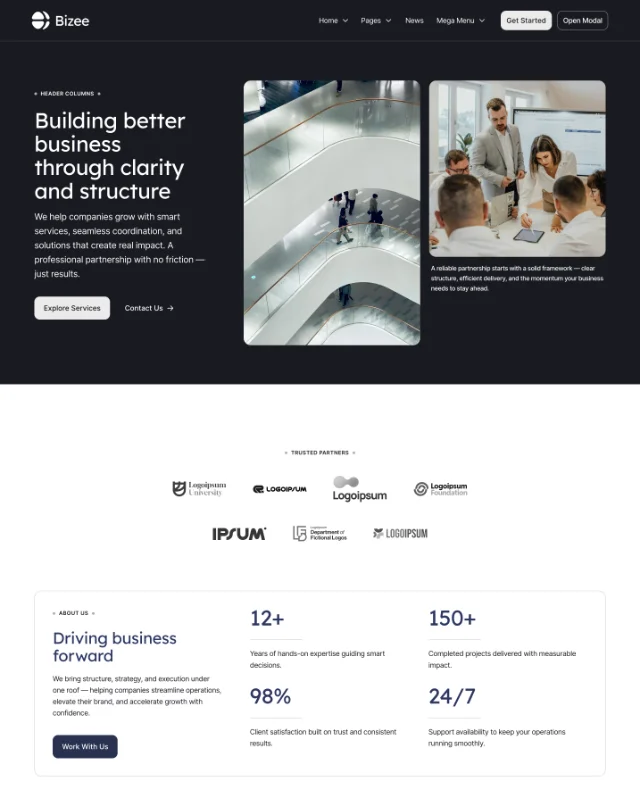
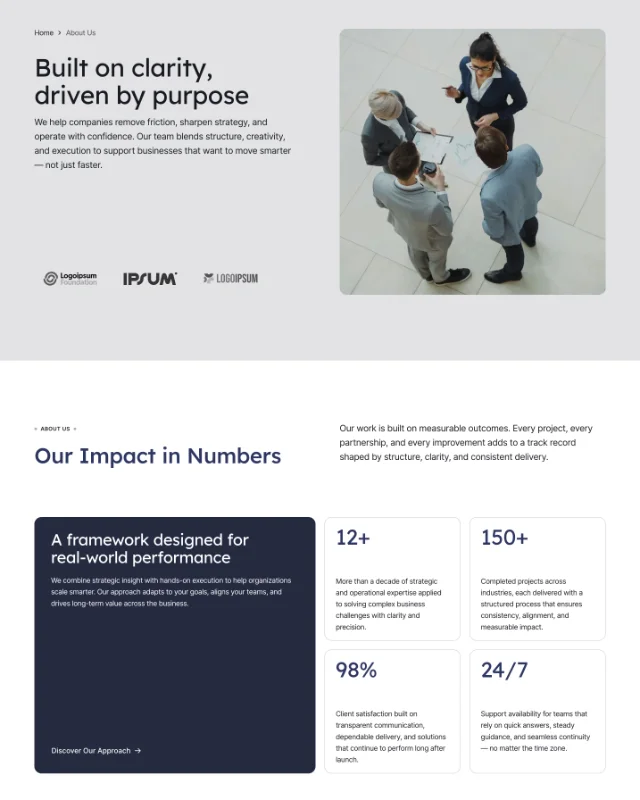
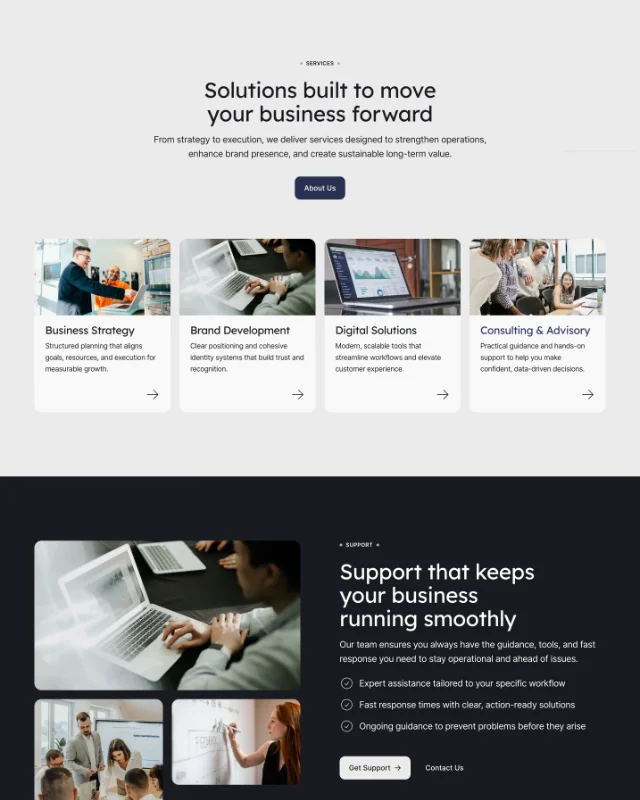
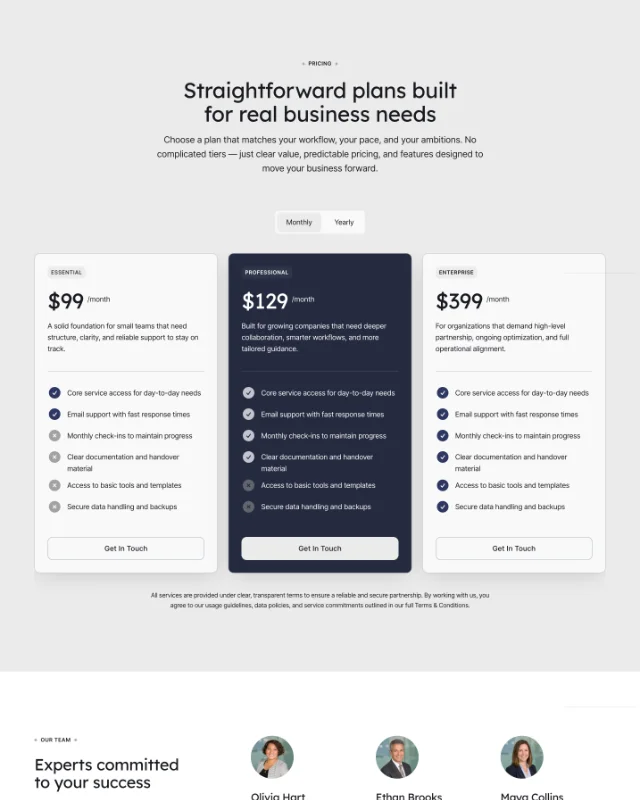
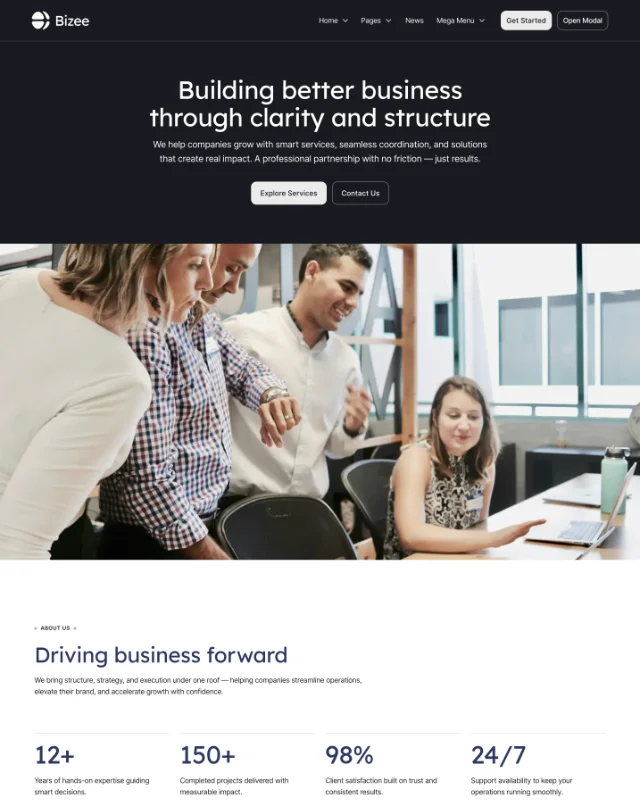
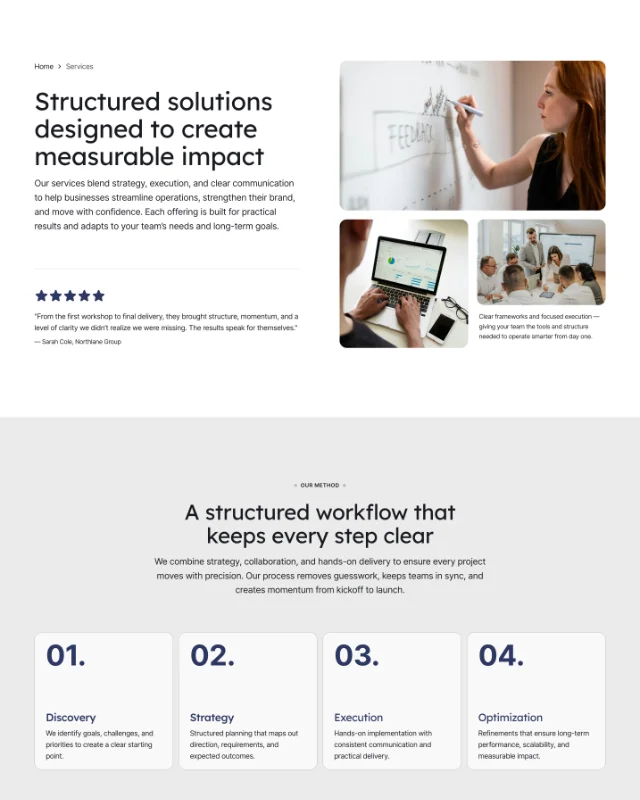
Everything you need in a modern website
Bizee is designed to remove setup friction and give you a solid foundation — combining flexibility, consistency, and performance out of the box.
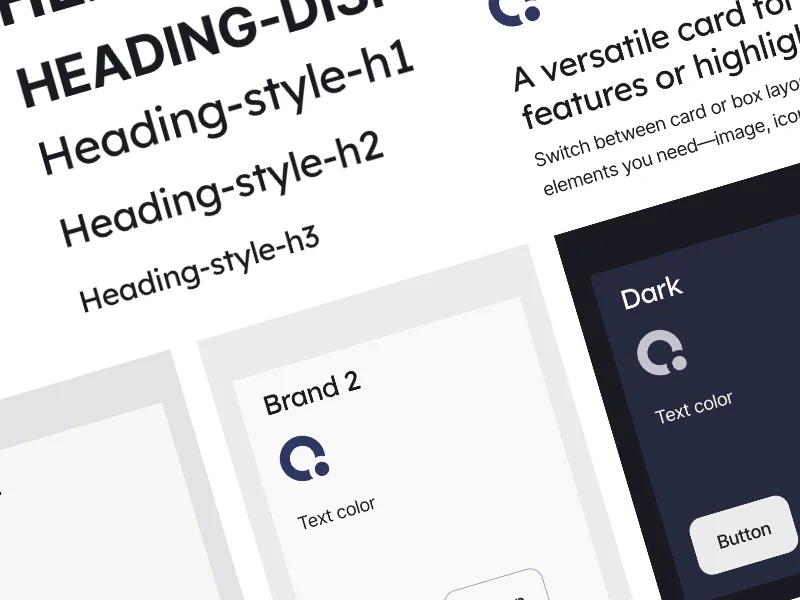
Extensive Style Guide
A complete style guide with typography, colors, and components — making updates fast and design decisions consistent.
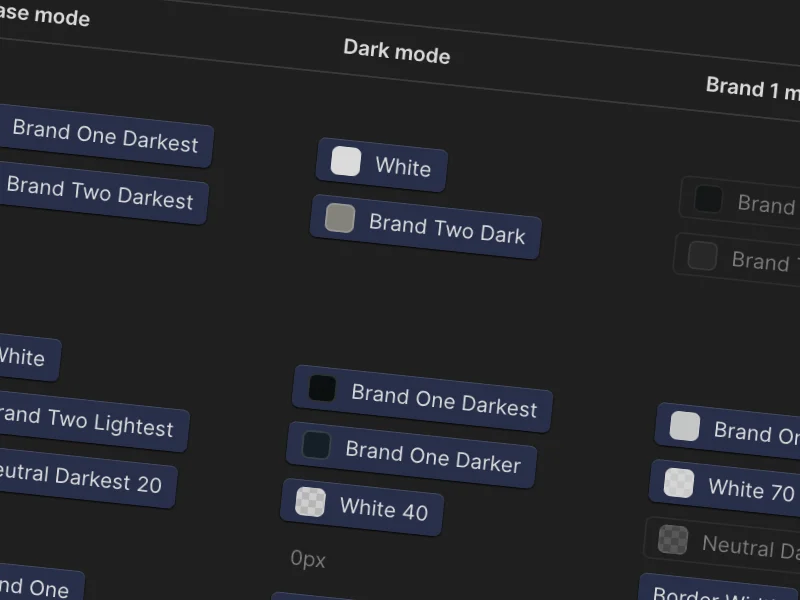
Pre-Setup Color Schemes
Carefully crafted color systems ready to use or customize globally with a few clicks.
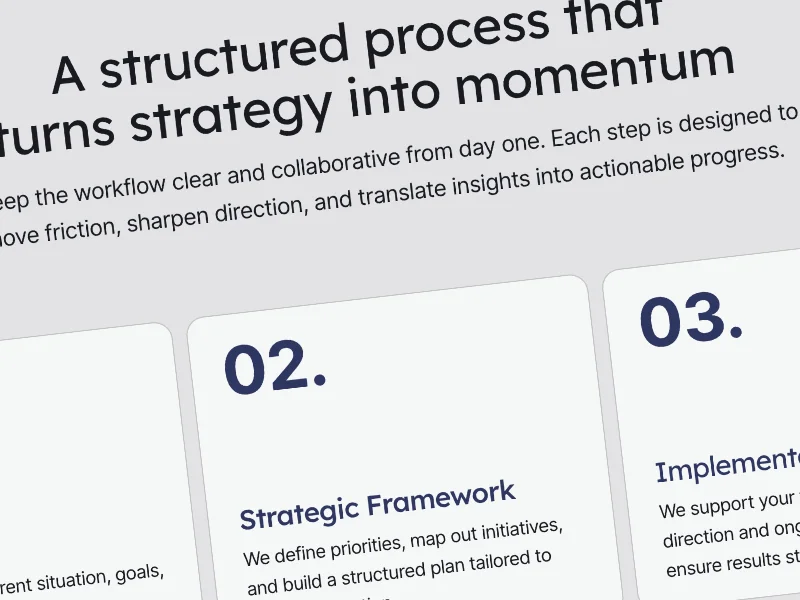
Unified Layouts
Consistent layout patterns that keep pages clean, structured, and easy to scale as your site grows.
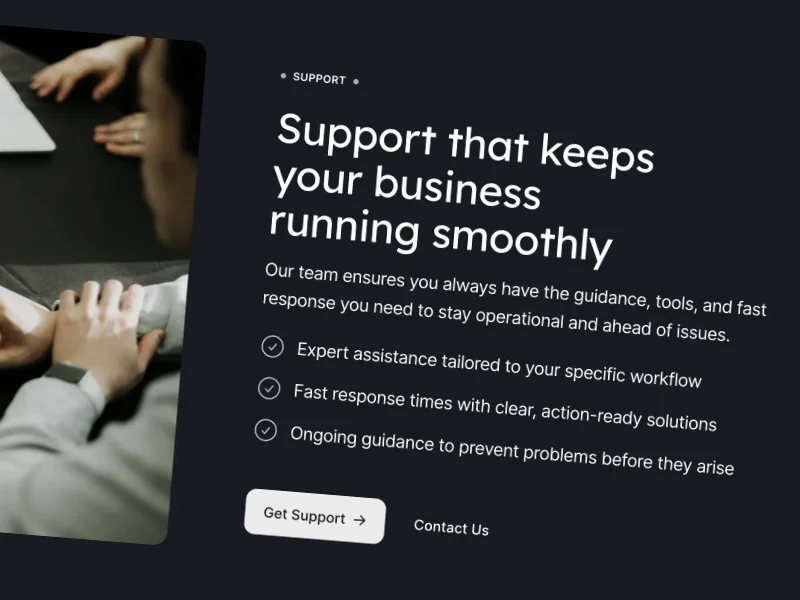
Fluid framework
Built with fluid sizing and spacing to adapt smoothly across screens and layouts without manual breakpoints.
What’s included in the template?
Bizee includes a comprehensive set of modular components designed to cover every common website need — from navigation and content blocks to advanced interactive elements and CMS-driven layouts.
Globals
Core components used across the entire site, including Navbar, Footer, global styles, and site logo.
Headers
A collection of hero components with different layouts and visual styles to kick off any page.
Cards
Reusable card layouts for content, services, features, and CMS-driven sections.
Icons
A structured icon system ready to use across components and layouts.
Breadcrumb
Clear navigation aids that improve usability and content hierarchy.
Dropdown
Accessible dropdown components for menus, filters, and interactive UI elements.
Info Box
Structured info blocks for alerts, highlights, and key messages.
Icon List
Clean list layouts combining icons and text for features and benefits.
Image List
Image-driven list components for visual storytelling, galleries and team members.
Logo Block
Brand and partner logo sections with consistent spacing and alignment.
Quote Block
Testimonial and quote components with balanced typography.
Code Block
Styled code components with optional copy functionality.
Accordian
Expandable content sections for FAQs and detailed information.
Tabs
Tabbed interfaces for organizing related content efficiently.
Modal
Reusable modal components for popups, forms, and focused interactions.
Marquee
Animated marquee elements for logos, announcements, or highlights.
CMS Lists
Pre-built CMS layouts for blogs, services, testimonials, and more.
Slider
Responsive slider components for featured content and media.
Starters
Pre-configured starters for forms, lightboxes, and common UI patterns.
Toogle Modes
Built-in toggle components for switching color modes.
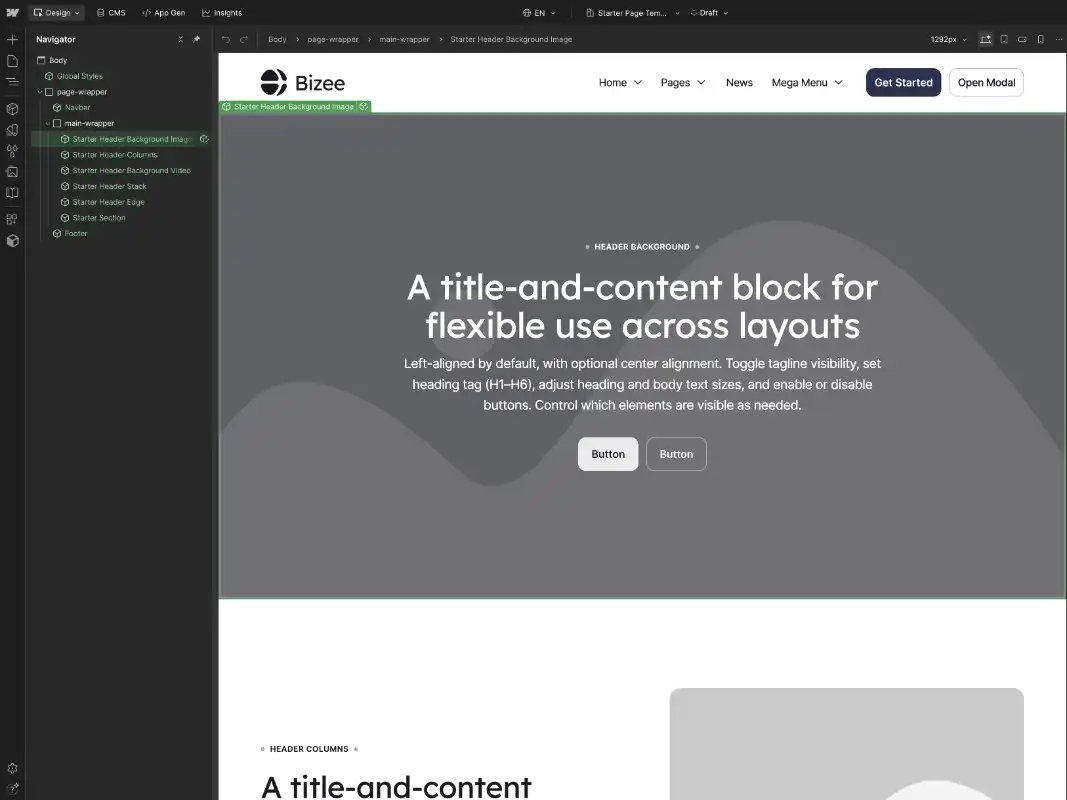
Built with Atom Builder Framework
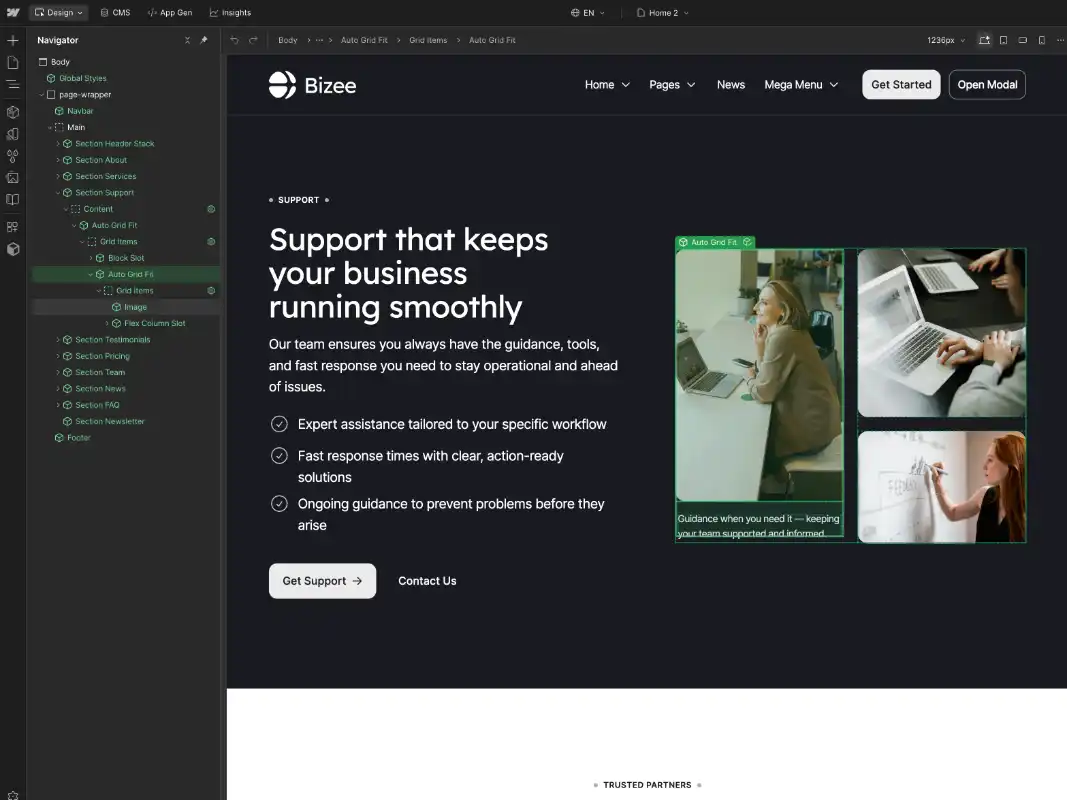
Bizee is powered by the Atom Builder Framework — a component-first system designed to help you build faster, stay consistent, and scale without complexity. Create new pages, rearrange sections, and customize layouts with confidence, no advanced CSS knowledge required.
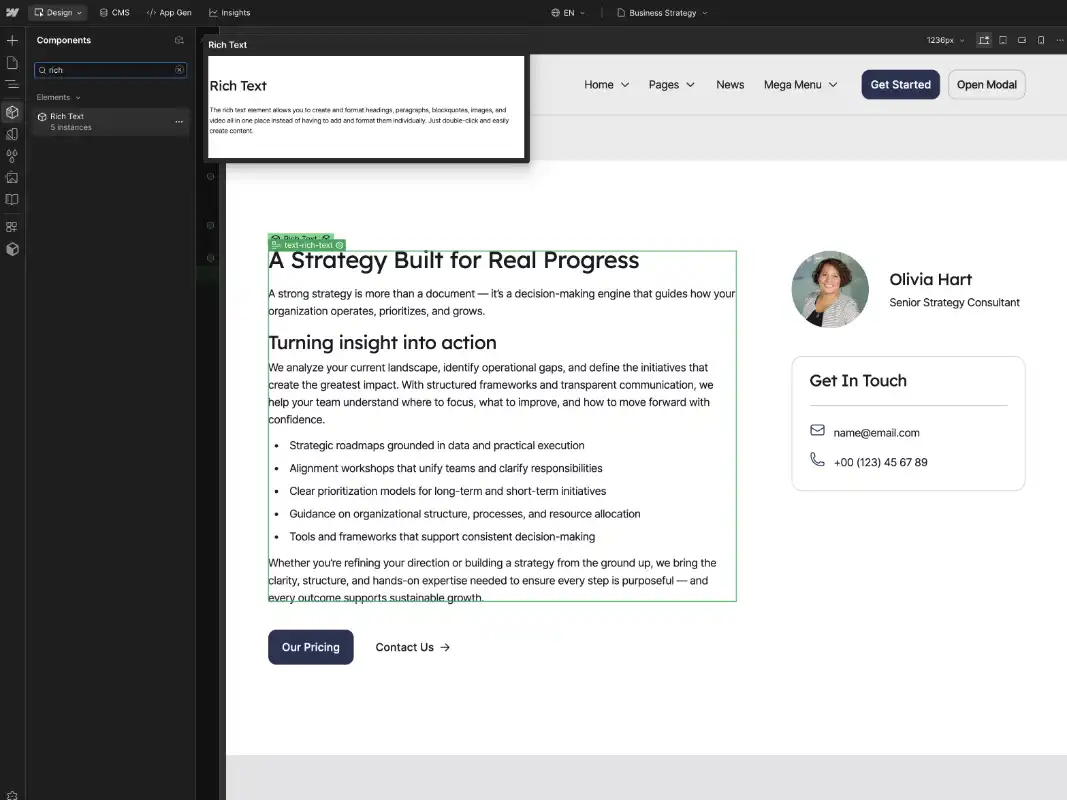

Make it yours fast
Bizee is designed for rapid customization. With global variables controlling colors, typography, and spacing, you can adapt the entire design to your brand in minutes — not hours.
Customize Design
Control colors, typography, and spacing through global variables, allowing you to rebrand the entire template quickly while keeping the design consistent.
Build & Scale
Use starter pages and drag-and-drop components, adjust layouts with props, and scale your site without custom CSS or complex setup.
A complete set of ready-made pages
Bizee includes a full collection of professionally designed pages — ready to use, duplicate, and adapt to your content, so you can launch faster with a cohesive structure from day one.
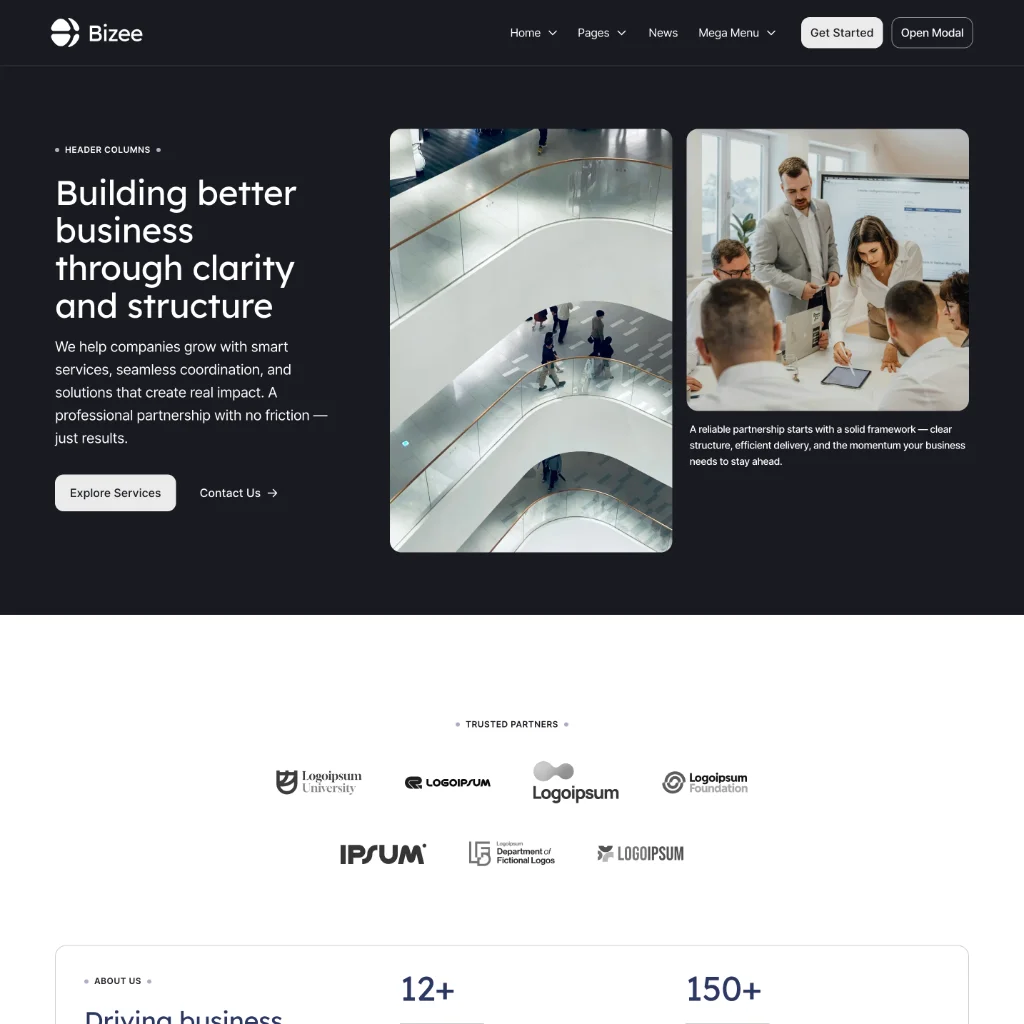
Home 1
A classic corporate homepage with a two-column hero in dark mode, combined with testimonials, pricing, team, logos, news, and FAQ.
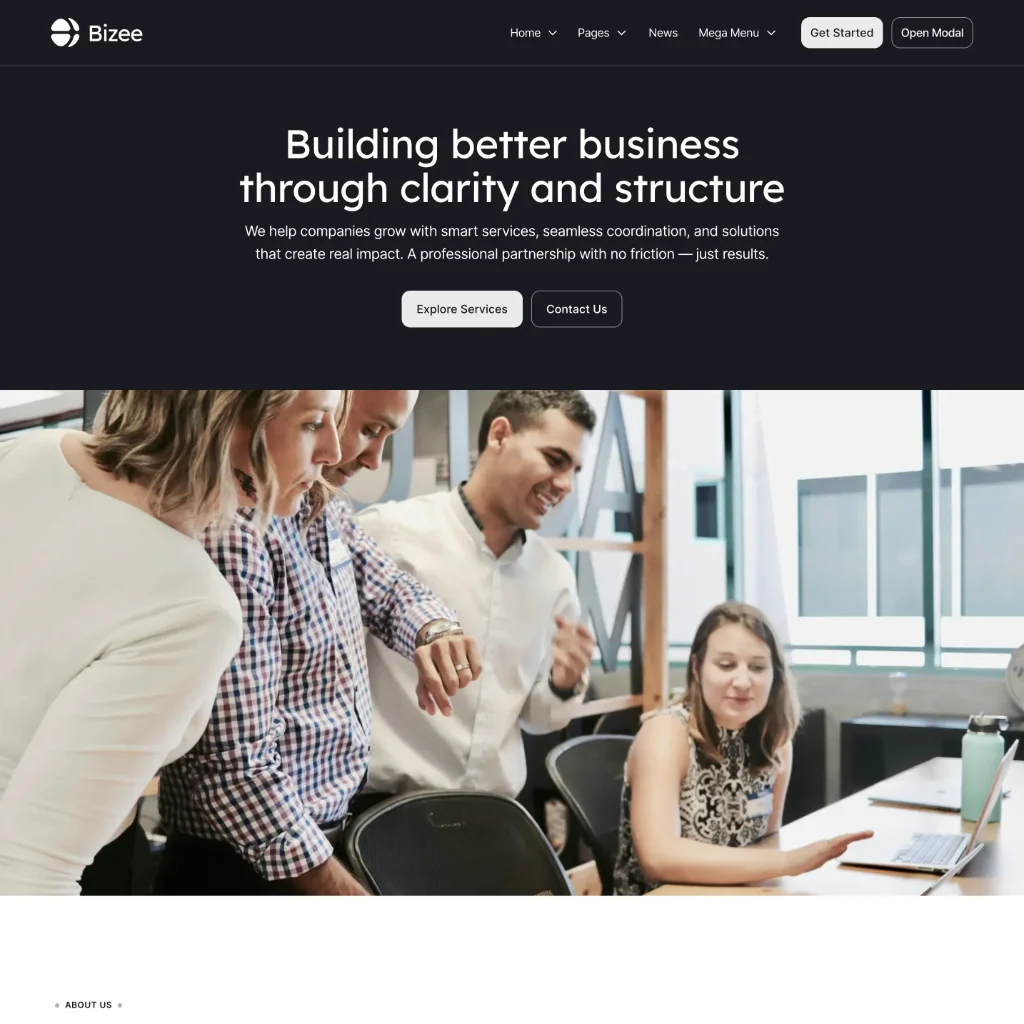
Home 2
A bold full-height hero layout with strong visual impact, paired with structured sections for services, social proof, and conversion.
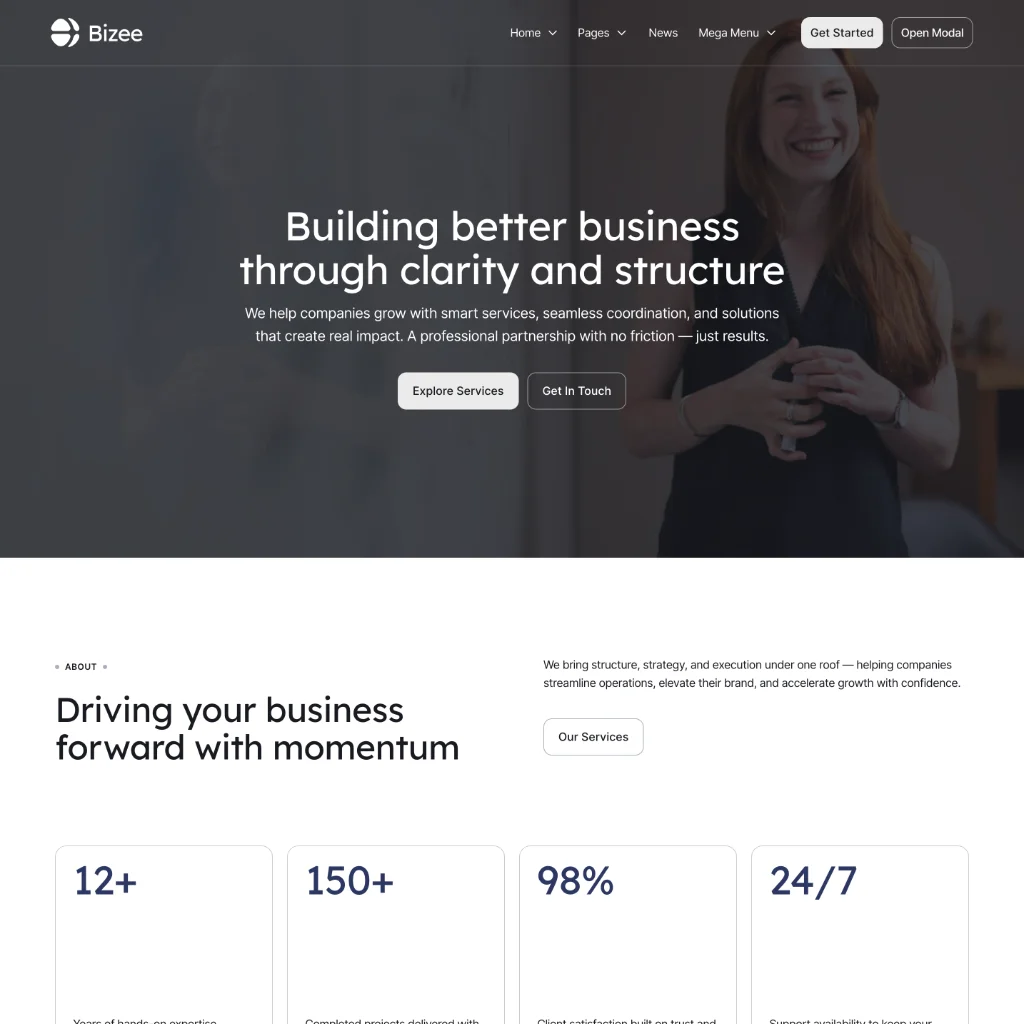
Home 3
A modern homepage featuring a background-image hero and flexible content sections designed for storytelling and brand presence.
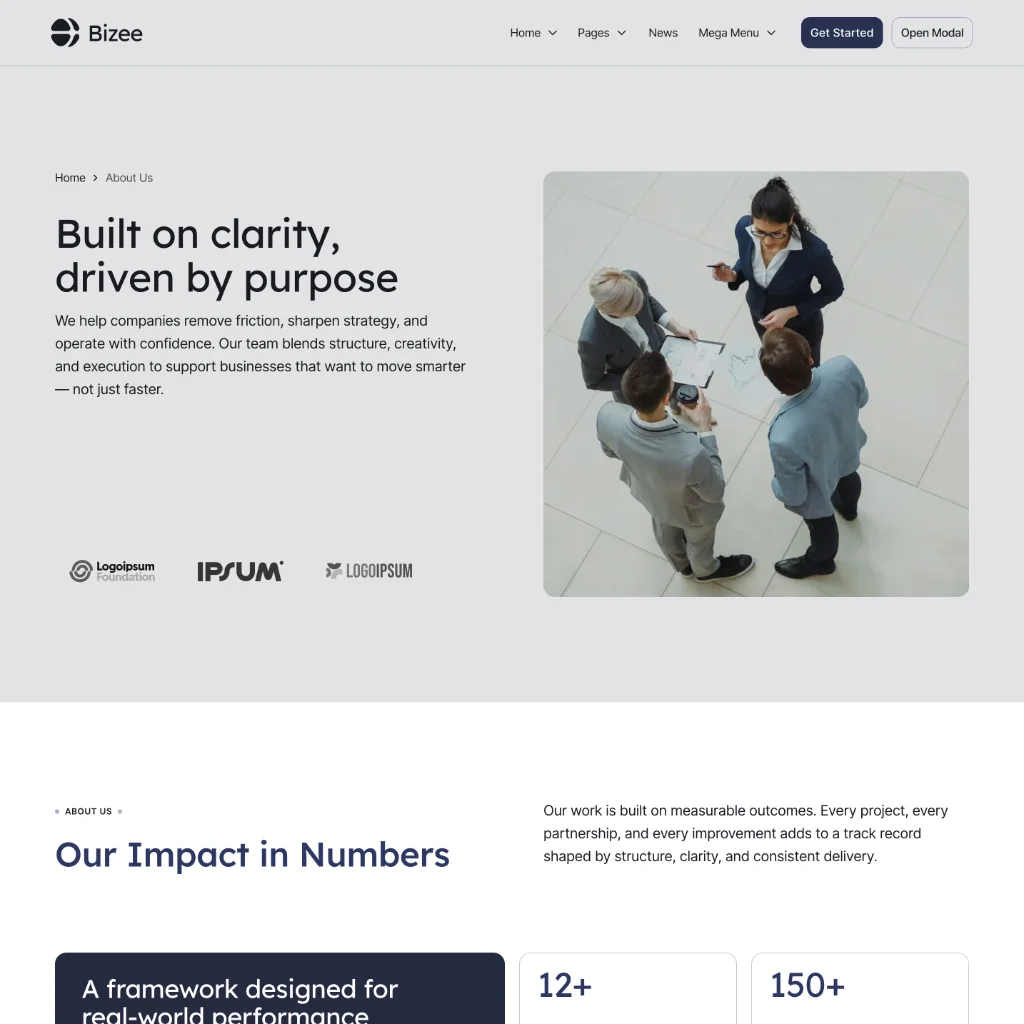
About
An in-depth company page with story, values, impact metrics, and a complete overview of services and team members.
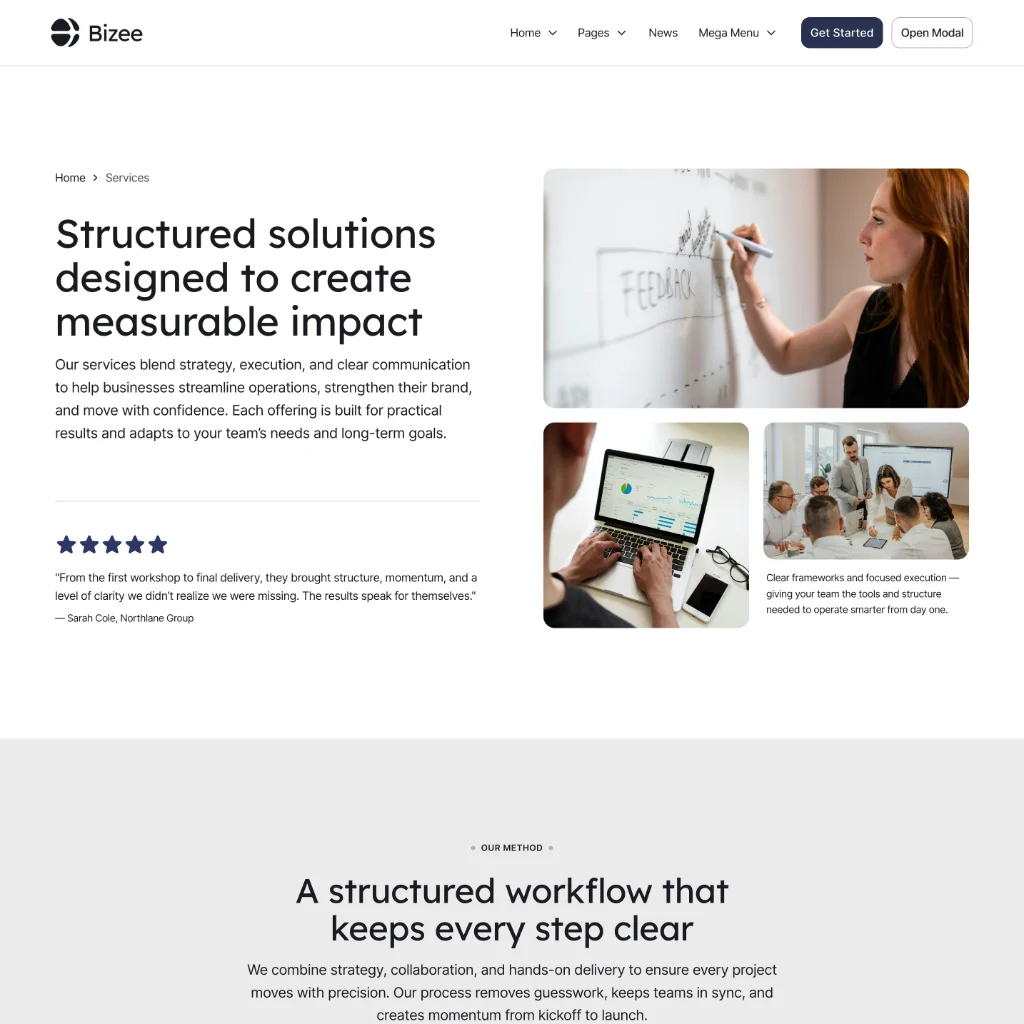
Services
A comprehensive services overview featuring pricing, testimonials, and a sticky navigation for smooth browsing between offerings.
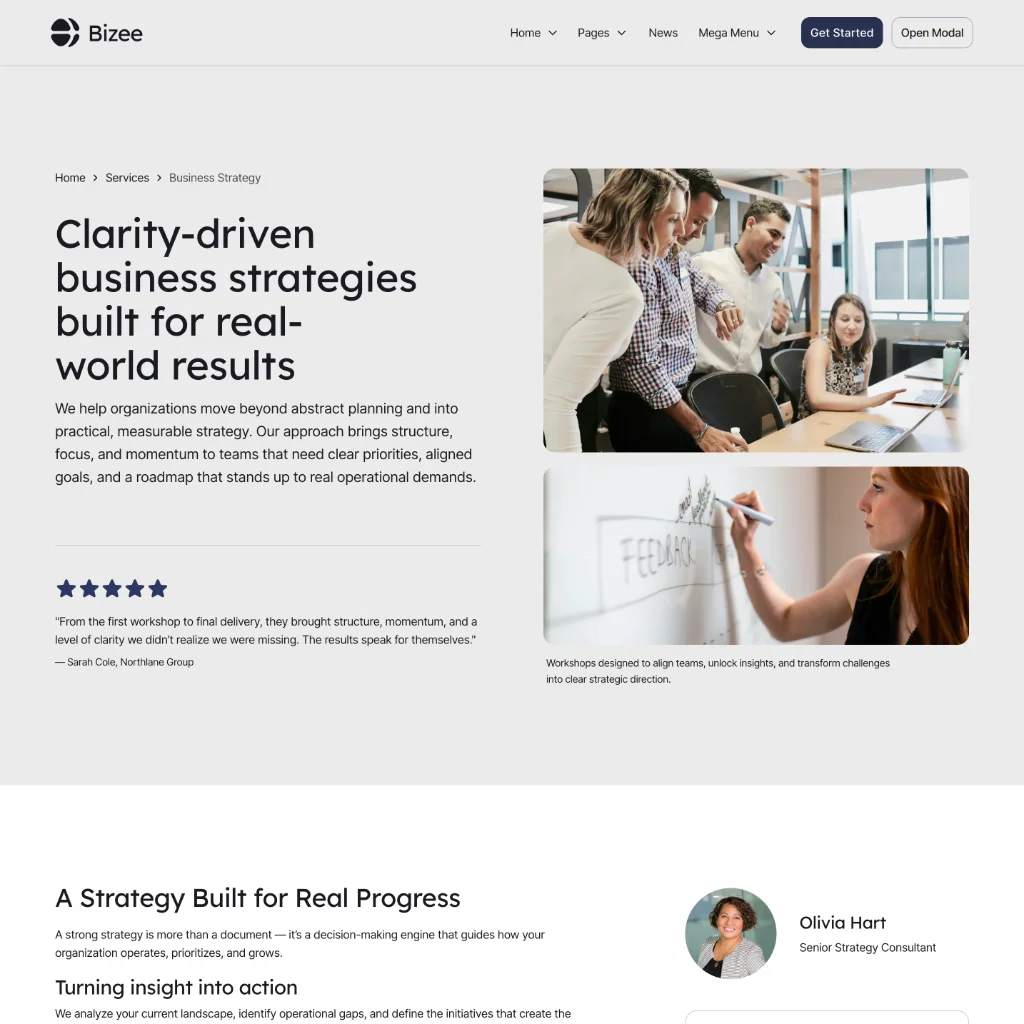
A Services Page
A detailed service layout including methodology, key benefits, contact person, pricing options, FAQs, and supporting content.
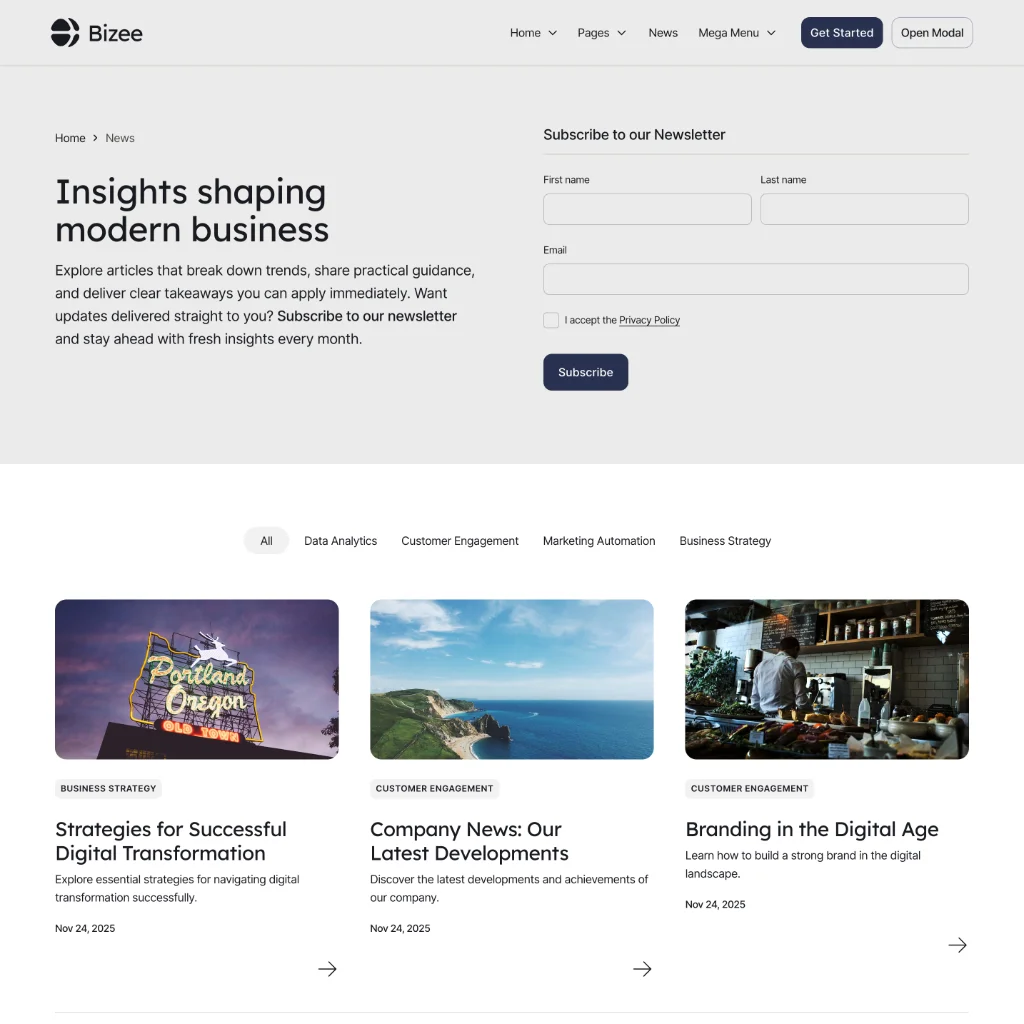
News & Articles
A CMS-driven blog with category filtering, clean article layouts, and SEO-ready structure for insights and updates.
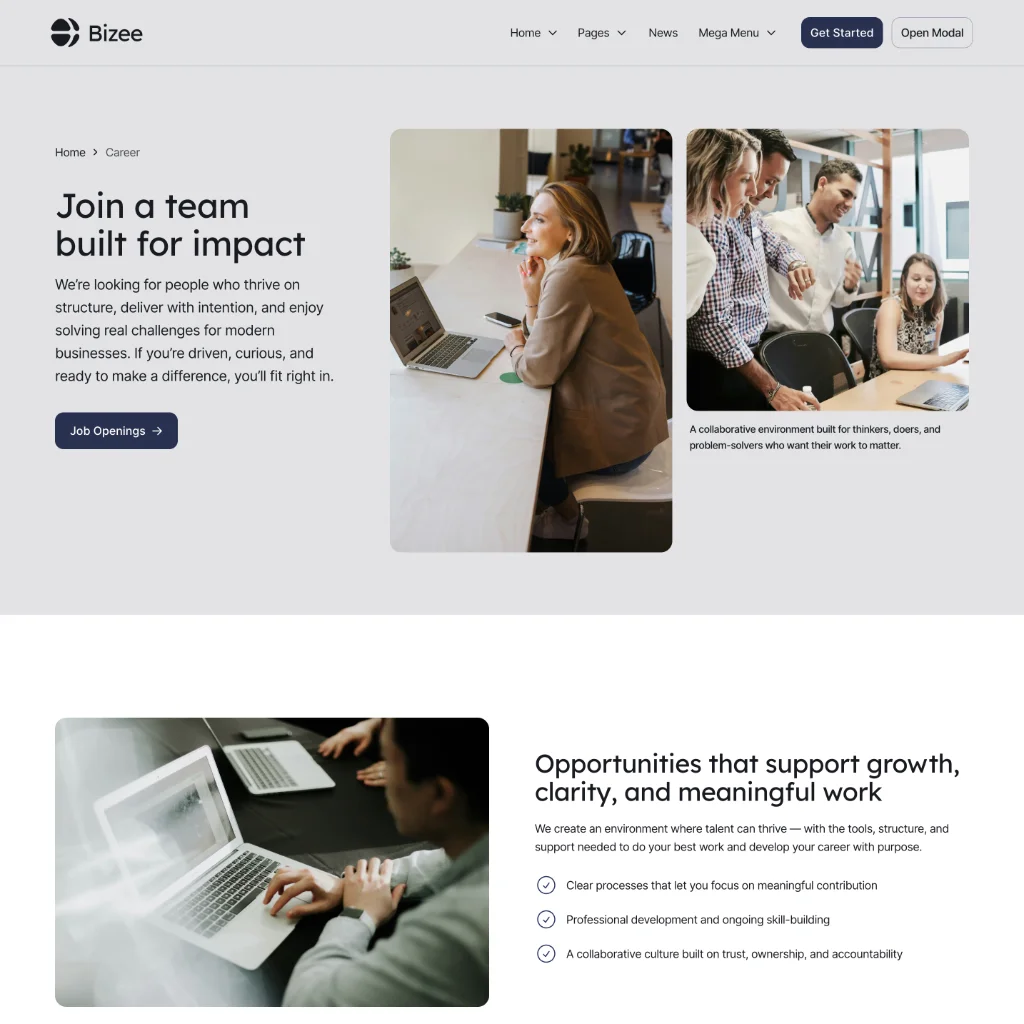
Career
A recruitment-focused page showcasing company culture, open positions, and related articles to attract the right talent.
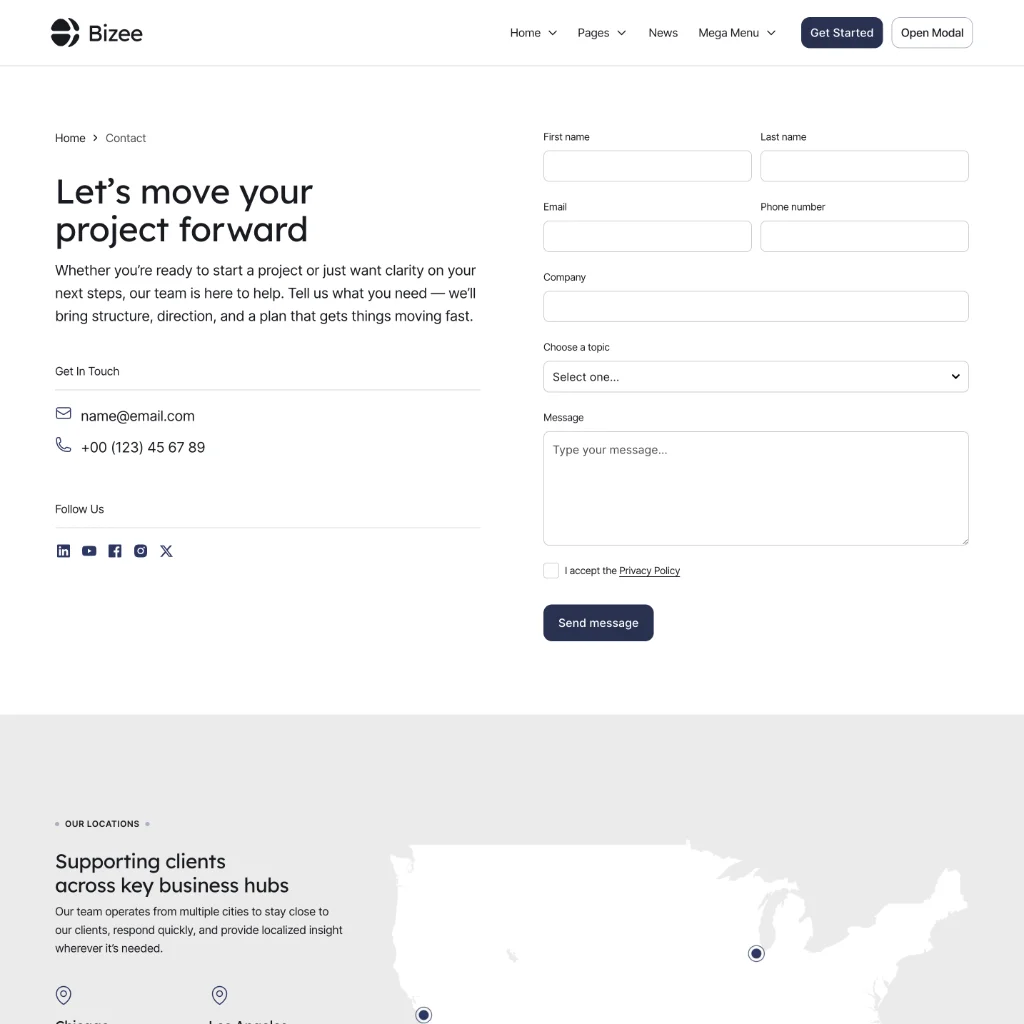
Contact
A conversion-ready contact page with form, business details, and a map displaying company locations.
Need help getting started?
Want to move faster or go further with Bizee? We offer affordable, fixed-price packages to help you customize, extend, or tailor the template — so you get exactly what you need without guesswork.
$399
one-time fee
We align the template with your brand — fast, clean, and done right.
Global color & typography setup
Logo integration and brand alignment
Basic layout adjustments
Configure all pages included in the template
Content structure and layout adjustments per page
Up to 5 additional custom pages
1 additional CMS collection
$899
one-time fee
We build out the template pages with your content and structure.
Global color & typography setup
Logo integration and brand alignment
Basic layout adjustments
Configure all pages included in the template
Content structure and layout adjustments per page
Up to 5 additional custom pages
1 additional CMS collection
$1999
one-time fee
A full setup plus room to grow — tailored to your business needs.
Global color & typography setup
Logo integration and brand alignment
Basic layout adjustments
Configure all pages included in the template
Content structure and layout adjustments per page
Up to 5 additional custom pages
1 additional CMS collection
Custom requests
If you need additional pages, advanced CMS setups, copywriting support, priority delivery, or custom functionality, we’re happy to provide a tailored quote based on your specific needs.
Common questions
Here are answers to the most common questions about the Bizee template, Atom Builder Framework, and how everything works in practice.
Is this template beginner-friendly?
Yes. Bizee is designed to be accessible for beginners while still powerful enough for advanced users and agencies.
Do I need to know CSS to use this template?
No. The template is built entirely with components and variables, so you can customize layouts, styles, and content without writing CSS.
Can I remove or replace sections easily?
Absolutely. All sections are component-based, making it easy to remove, duplicate, or rearrange content without breaking the layout.
Can I use this template for multiple projects?
Yes. You can use the template for personal projects, client work, and commercial websites according to Webflow’s licensing terms.
Can I use only the pages included in the template?
Yes. You can launch using the included pages as-is, duplicate sections, and rearrange layouts without building anything from scratch.
Can I build new pages and sections easily?
Absolutely. The template is powered by the Atom Builder Framework, making it easy to create new pages using starter templates and drag-and-drop components.
How do I customize colors and fonts?
All colors and typography are controlled through global variables, allowing you to rebrand the entire site quickly and consistently.
Is the layout fully responsive?
Yes. The template is built with a fluid system that adapts smoothly across screen sizes with minimal breakpoint adjustments.
Will this template scale as my site grows?
Yes. The Atom Builder Framework is designed for scalability, allowing you to add pages, sections, and CMS content while keeping structure and consistency intact.
Is documentation included?
Yes. The template includes a Style Guide covering core classes and design foundations. For detailed component documentation and advanced usage, full docs are available externally at atomwork.co.
Can I adjust the interactions and animations?
Yes. The template uses modern GSAP-based animations, targeting section wrappers for scroll interactions and the header for load animations. All animations can be adjusted, customized, or turned off entirely.